
Available directly from Microsoft AppSource, the EmailMerge365 mail merge add-on provides personalized bulk mailing capabilities in Outlook. Once you’ve learned how to set up mail merge and activate your subscription, follow our mail merge process guide to select recipients from data sources like Excel spreadsheets, create mail merge documents, and send mass customized email messages.
How to Install the EmailMerge365 Add-On from Microsoft AppSource
1. To use our mail merge add-on, you must download it from Microsoft AppSource. Click on the button below to Go to Microsoft AppSource.
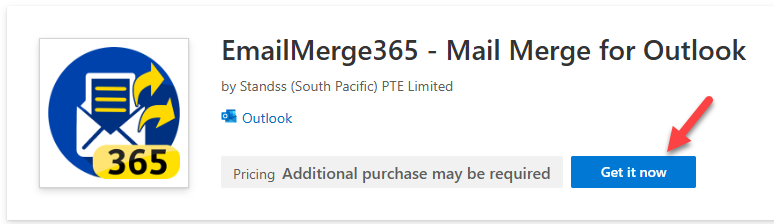
2. Once the Microsoft AppSourse screen is displayed, click the Get it now button to start the add-on installation process.
3. After installing the add-on, read or watch our step-by-step guide on using mail merge.